Everything you need, nothing you do not
A complete envelope budget app that stays out of your way. The hard features are free. The privacy is the point.
Get Tuckaway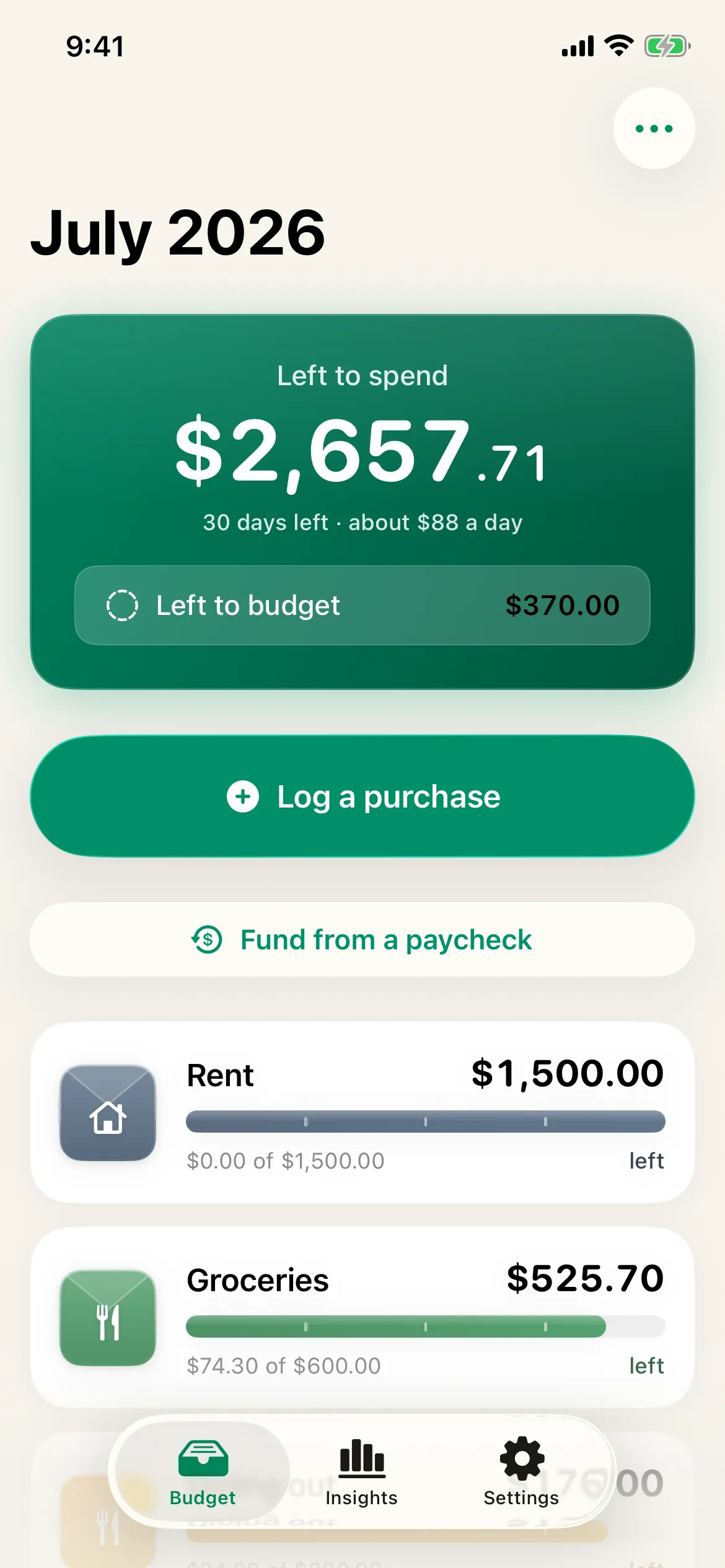
Envelopes that fit your life
Make unlimited envelopes in any color with any icon. Set a planned amount, choose whether leftovers roll over, and turn any envelope into a sinking fund with a goal. No caps, free.
- Unlimited customizable envelopes
- Zero-based and sinking funds
- Carry over or reset each month
Logging that takes two taps — or one
Open, type the amount, tap the envelope. Or skip opening the app entirely: the home-screen widget logs a preset amount in one tap, and the Apple Watch app logs from your wrist. Siri and recurring templates cover the rest. The faster logging is, the more a budget sticks.
- Two-tap quick add
- One-tap logging from the home-screen widget
- Apple Watch quick-log
- Siri and Shortcuts
- Recurring templates
Your data, yours forever
Import a CSV or a bank OFX statement so you keep your records, and export everything any time as CSV or JSON. Tuckaway also saves an automatic backup on your device every day and keeps a week of them — so even the worst day is recoverable. Nothing is locked in, because nothing is held on a server you do not control.
- CSV and bank OFX/QFX import
- CSV and JSON export
- Automatic daily on-device backups
- Restore from any backup
A calm month, start to finish
Close the month and see what it did: what you saved, your biggest category, and what carried forward. Plan a debt payoff with the snowball or avalanche method, quietly count no-spend days if you like, and fix any typo — every edit and delete can be undone.
- Month-close recap of what you saved
- Debt payoff planner, snowball or avalanche
- Optional no-spend day tracking
- Edit anything, undo any delete
Deeper insight, when you want it
Premium adds month-over-month trends, a by-category breakdown, and a year in review. Share envelopes with a partner through your own iCloud, scan a receipt to fill in the amount (try 3 free), and track multiple accounts — each in its own currency.
- Reports and year in review
- Partner sync via iCloud
- Receipt scan, on device (3 free to try)
- Multiple accounts, ledgers, and currencies
- Premium themes and envelope art
Built around the moments that matter
Funding your envelopes on payday and logging what you spend are the things you do most. They are the fastest, most satisfying parts of the app — and logging doesn't even need the app open.
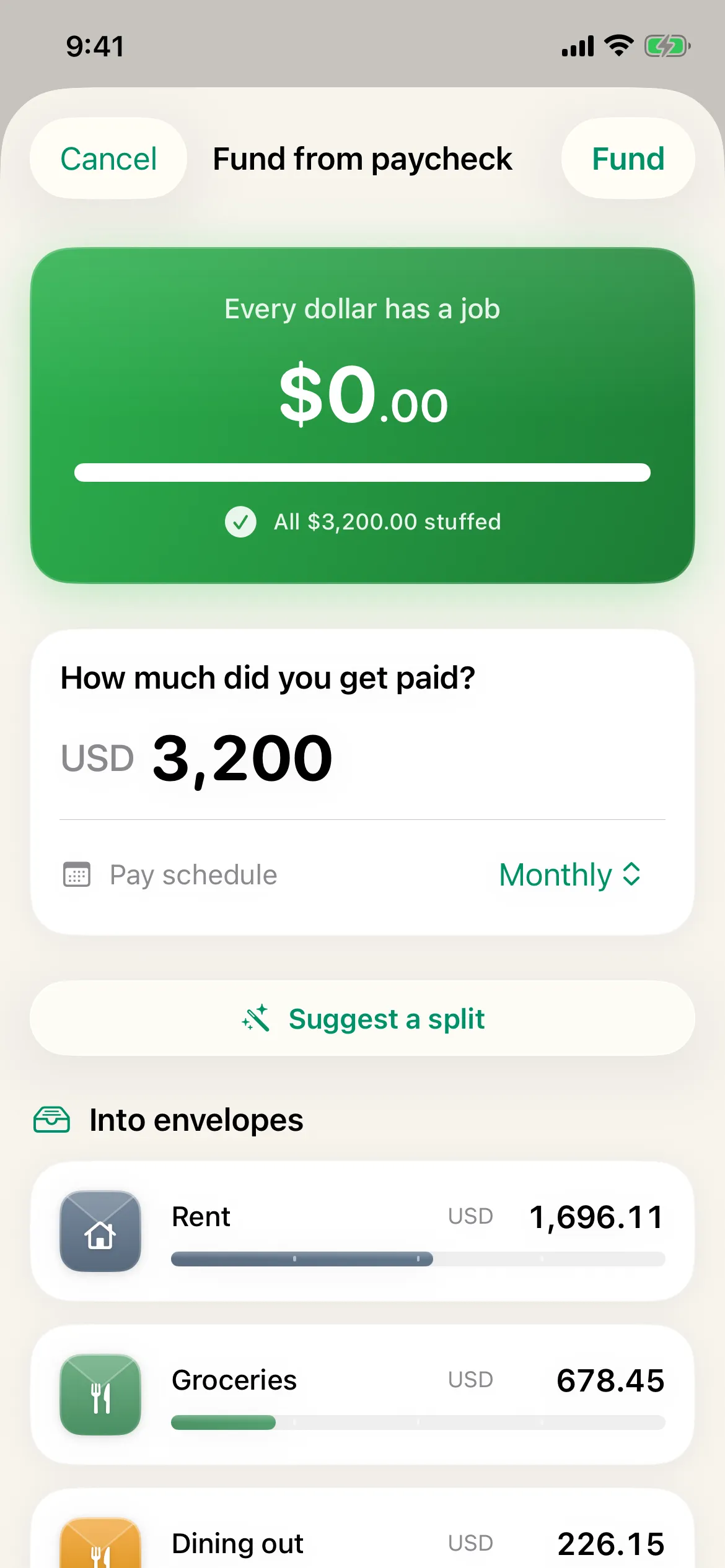
Stuff your envelopes on payday
Enter what you were paid and split it across your envelopes by your real payday, not a calendar month. Watch every dollar get a job.
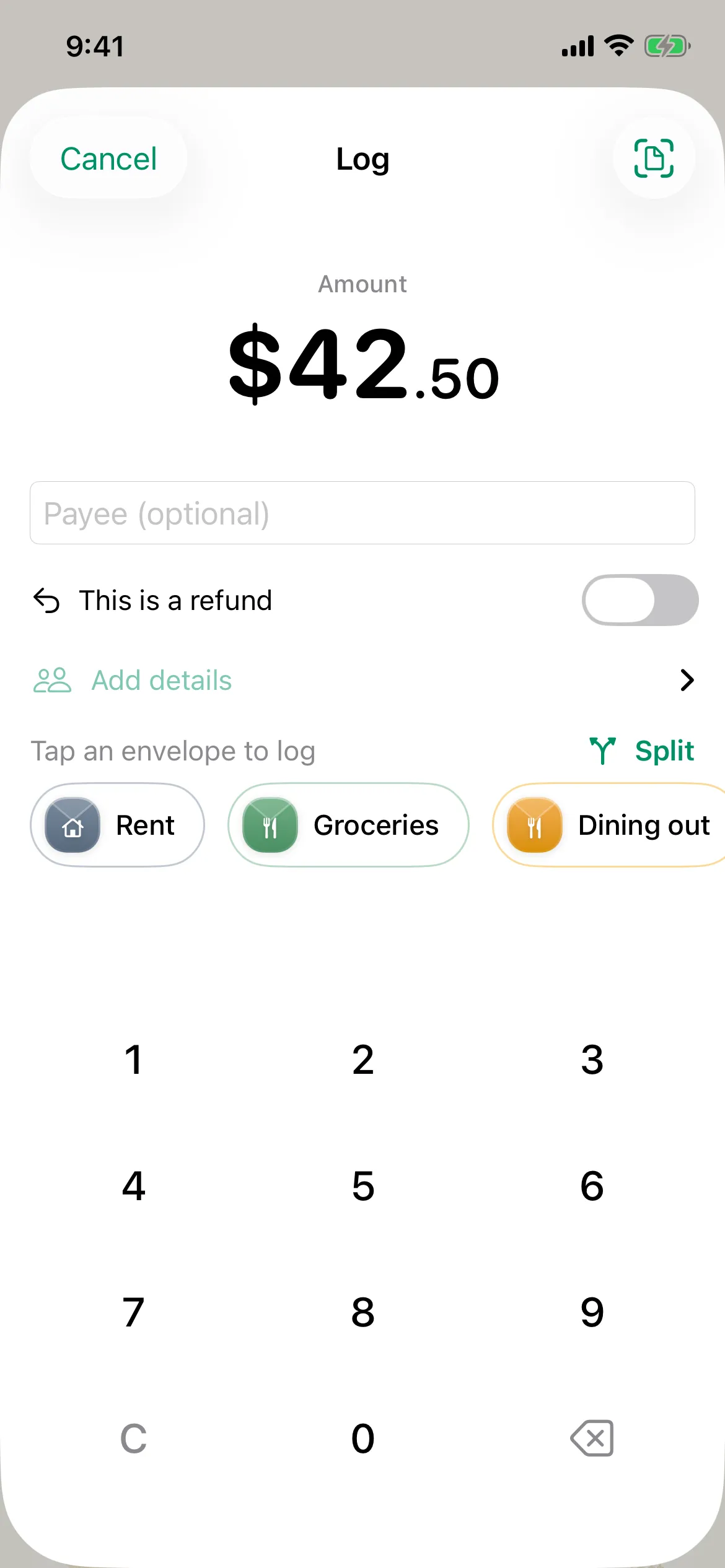
Log in two taps
Type the amount, tap the envelope. That is a logged expense, with no forms and no categories to hunt through.
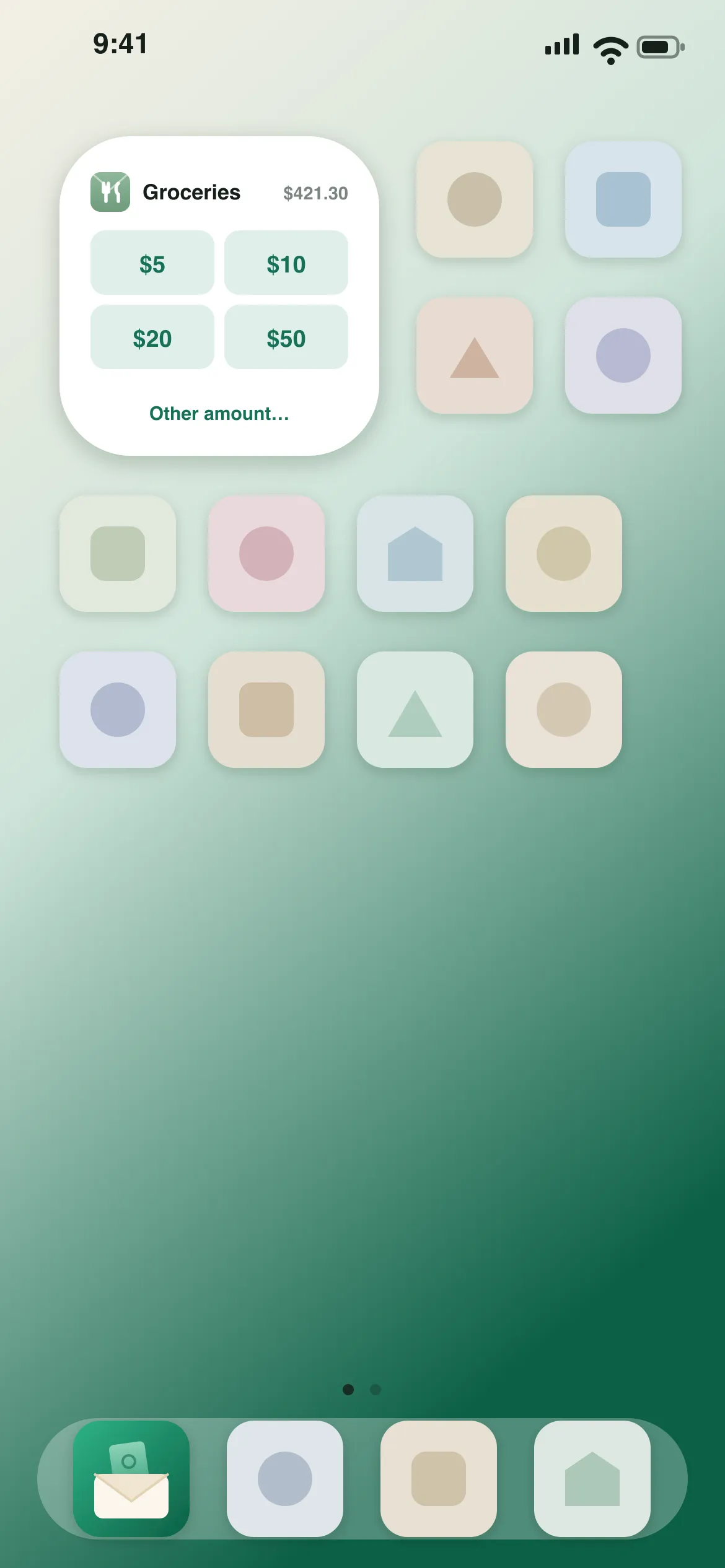
Or one tap, from your home screen
The widget logs a preset amount to your envelope in a single tap — the app never even has to open.
Learn the method behind the app
Free guides and calculators for the way Tuckaway works — no sign-up, and useful whether or not you install anything.
Private by design, not as a setting
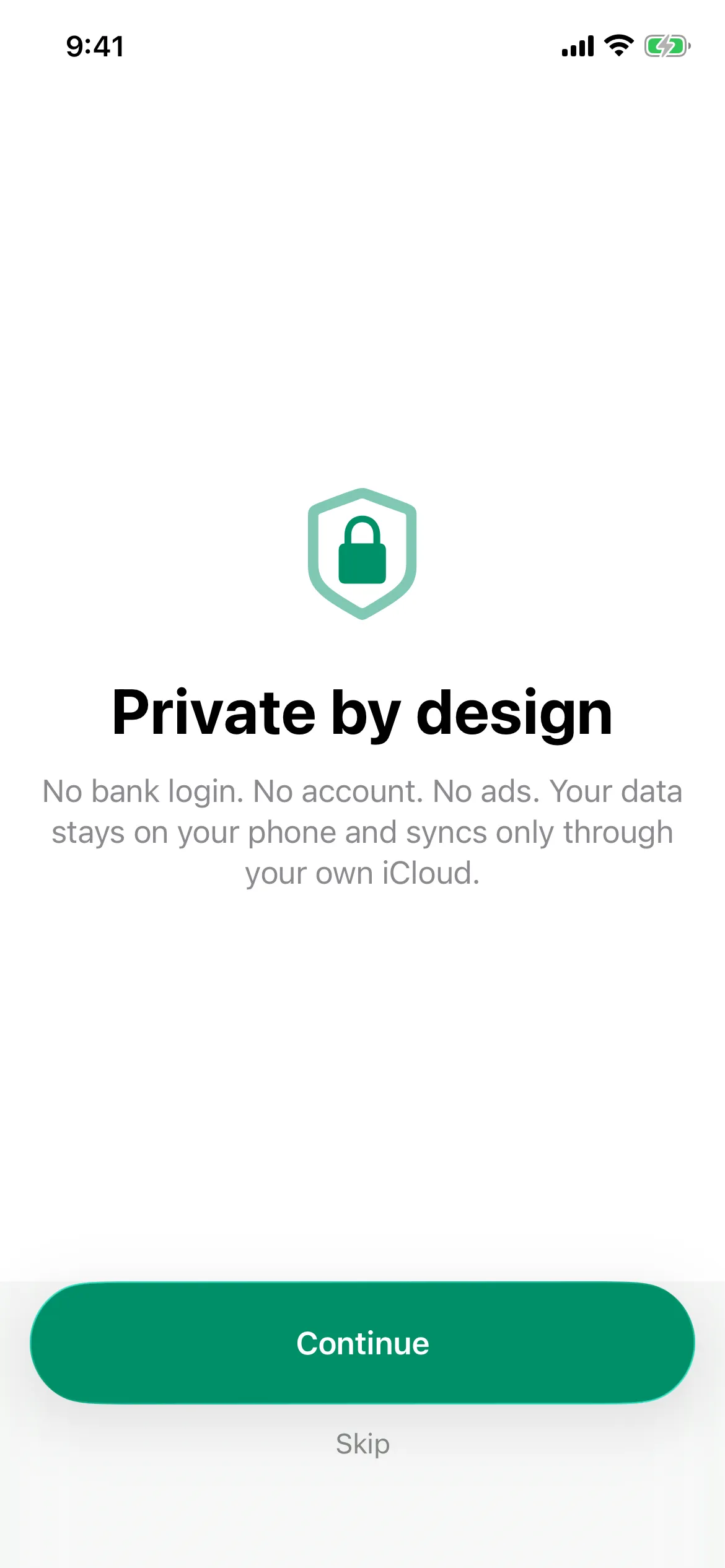
There is no account to make and no bank to connect. Your budget lives on your phone and syncs only through your own iCloud. Apple's privacy label reads "Data Not Collected."
Switching from another app?