No bank connection
A budget app that doesn't connect to your bank
Tuckaway is a manual envelope budget app. It does not connect to your bank, it is not linked to any bank account, and it never asks for a bank login. You enter your own figures, the app does the math, and your budget stays on your phone. The basics are free, with no cap on envelopes.
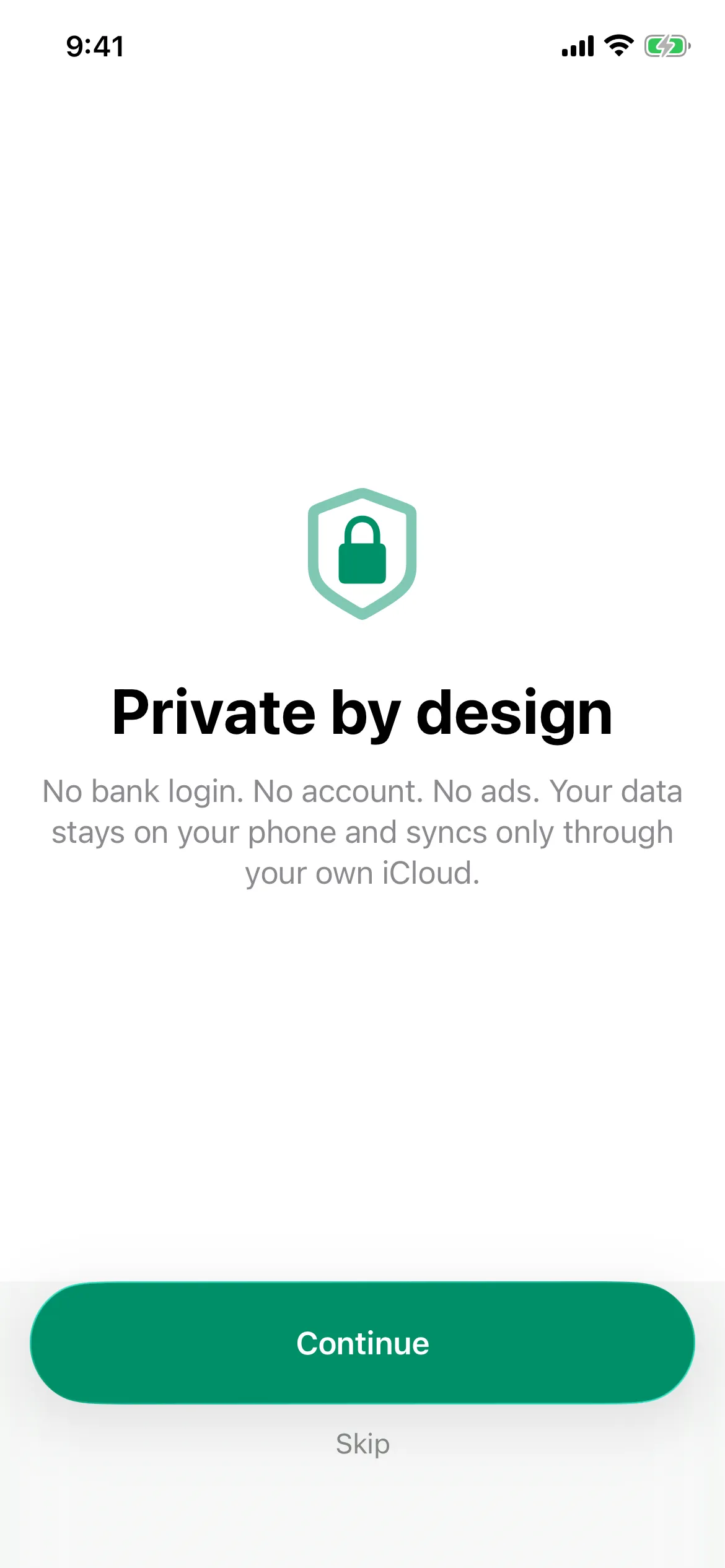
Apple's privacy label reads "Data Not Collected."
What "no bank connection" actually means here
Plenty of apps say they are private. This is the specific, checkable version of that claim.
- No bank login is ever requested. There is no screen in the app that asks for your online banking username, password, or two-factor code. Not optional, not skippable — it does not exist.
- No account is linked. Tuckaway holds no tokens, no account numbers, and no connection to any financial institution, so there is nothing to re-authorize when your bank changes its login.
- No aggregator sits in the middle. No Plaid, no MX, no Finicity. Those services are how most budget apps read your transactions, and Tuckaway uses none of them.
- No server holds your budget. Your envelopes and transactions live in the app on your device. Turn on sync and they travel through your own iCloud account to your own devices — never through us.
How it works without linking a bank account
The method is envelope budgeting, which predates bank feeds by about a century. You decide where money goes before you spend it, then spend from those decisions.
Make your envelopes
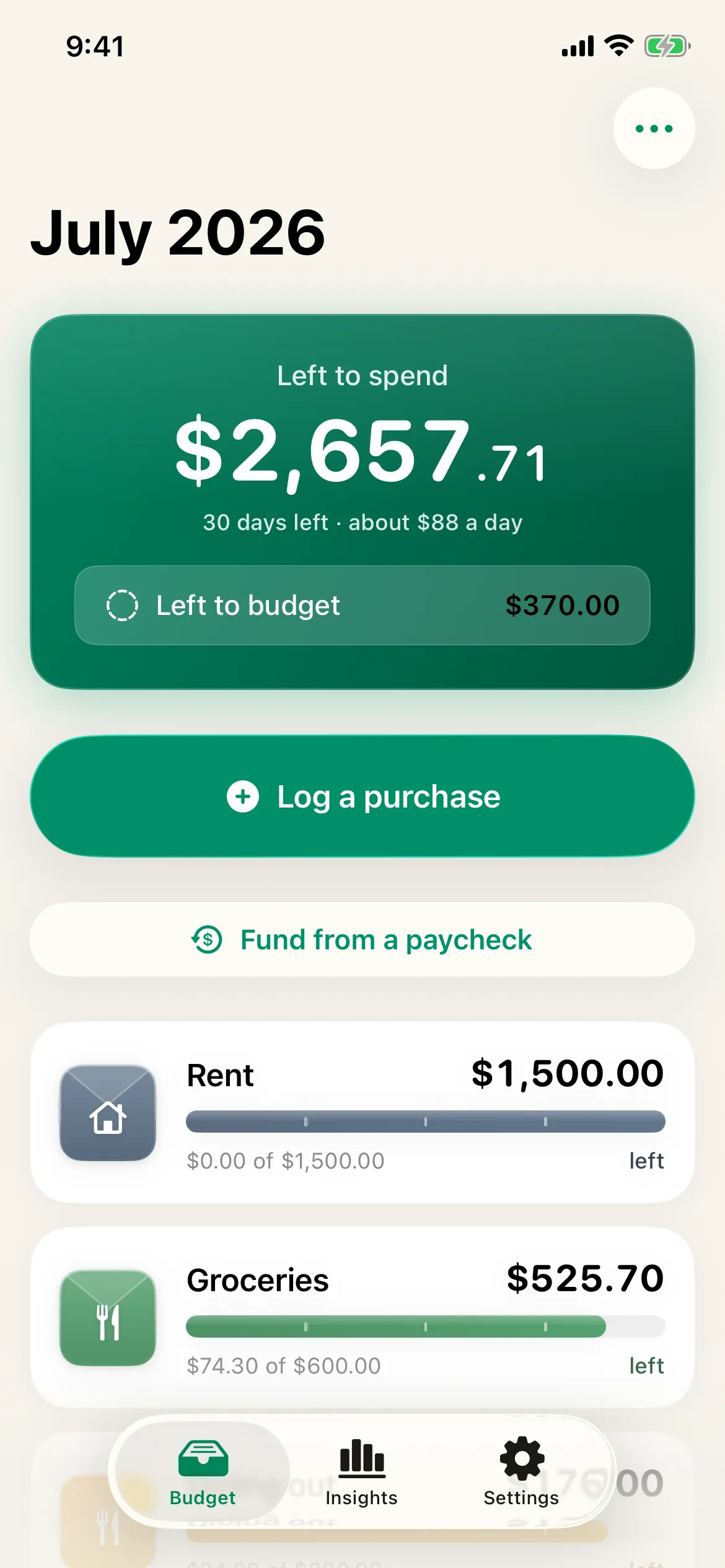
One per category — groceries, gas, dining, bills, a savings goal. You name them and set a planned amount. Nothing is read from an account, because nothing is connected to one.
Fund them on payday
Enter what you were actually paid and split it across envelopes. Tuckaway suggests a split from your plan and remembers how you divided the last one.
Log what you spend, in two taps
Type the amount, tap the envelope. This is the step a linked app would do for you, and it is the one thing manual budgeting asks of you — so it is built to take seconds, not minutes.
See what is left, always
Every envelope carries a running balance. Because you entered each number yourself, the total is never wrong, stale, or waiting on a reconnect.
New to the method? Start withhow envelope budgeting works, thenhow to track expenses manuallywithout an automatic feed.
Why look for a budget app not linked to a bank account?
You do not want to hand over a bank password
To read your transactions, most budget apps route your banking credentials through a third-party aggregator. That is a lot of trust to extend for a spending chart. A manual app removes the question entirely, because there is nothing to hand over. If you want the mechanics of what that access involves, we wrote upwhy budget apps ask for your bank login.
Linked connections break, and duplicates appear
The most common complaints about bank-sync apps are failed connections and duplicated transactions after a reconnect. Neither can happen when the number in the app is the number you typed.
Your employer, your bank, or your situation rules it out
Some banks' terms discourage credential sharing, some accounts simply are not supported by aggregators, and some people share finances in ways an automated feed handles badly. Manual works regardless of who you bank with, including cash.
Typing it is the point
Automatic import is convenient, and convenience is also how spending becomes invisible. Logging a purchase takes two seconds and makes you notice it — which, for a lot of people, is the entire reason the budget starts working.
Manual vs. bank-linked, honestly
Manual is not strictly better for everyone. Here is the real trade-off.
| What you get | Tuckaway (manual) | Bank-linked apps |
|---|---|---|
| Works without your bank password | Yes | No |
| No bank account to link or re-link | Yes | No |
| Data stays on your device | Yes | No |
| No account to create | Yes | No |
| No third-party aggregator involved | Yes | No |
| Nothing to breach on a server | Yes | No |
| Keeps working if your bank changes its login | Yes | No |
| Auto-imports transactions for you | No | Yes |
If automatic import is the one thing you cannot live without, a bank-linked app may fit you better. If privacy and control matter more, manual wins.
Manual, but not slow
The reason people accept a bank connection is to avoid typing. Tuckaway's answer is to make logging the fastest thing in the app: two taps, a home or lock-screen widget, Siri, Apple Watch, and one-tap recurring templates for the bills that repeat.
- Open, type the amount, tap the envelope.
- Log from a widget in one tap, without opening the app.
- Set rent and subscriptions once; never re-type them.
- Scan a receipt on device to fill in the amount.
What you give up
Two real things, and it would be dishonest to bury them.
Nothing is filled in for you. If you would not log a purchase within a day or so, a manual budget will drift out of date, and a stale envelope balance is worse than no balance. Widgets and recurring templates cover most of it, but the habit is yours.
There is no automatic account balance. Tuckaway tracks what you planned and what you spent, not what is sitting in your checking account this second. Those are different questions, and this app answers the first one.
In exchange you get a budget that no outage, acquisition, shutdown, or breach can take from you, and that you can export in full whenever you like.
Money questions, answered
Is there a budget app that doesn't connect to your bank?
Yes. Tuckaway is a budget app that does not connect to your bank at all. You enter your own spending with the envelope method, so it never asks for a bank password, never links an account, and keeps your figures on your phone. Unlimited envelopes and logging are free.
Can I use a budget app that is not linked to a bank account?
You can. A budget app not linked to a bank account is usually called a manual budget app: you type what you spend instead of importing it. The upside is that no third party ever holds your credentials or sees your transactions. The cost is the few seconds it takes to log a purchase.
How does a budget app work without connecting to your bank?
You create category envelopes, fund them from each paycheck, and log purchases as you make them. The app does the arithmetic and keeps a running balance for every category. The only difference from a linked app is where the transaction comes from: you, instead of an automated feed.
Does Tuckaway use Plaid or any bank aggregator?
No. There is no Plaid, no MX, and no aggregator of any kind, because Tuckaway never establishes a bank connection. There is also no Tuckaway server holding your budget. If you turn on sync, your data travels only through your own iCloud to your own devices.
Is a budget app without bank linking safe?
It removes the two things that make budget apps risky: stored bank credentials and a central database of user transactions. Tuckaway has neither. Apple's privacy label for the app reads "Data Not Collected."
Isn't manual entry slow?
It is the thing we optimize hardest. Open, type the amount, tap an envelope. Or skip opening the app: a home or lock-screen widget logs a preset amount in one tap, Siri takes a spoken amount, and recurring templates cover bills that repeat so you never re-type them.
Can I still bring in my old transaction history?
Yes, and importing a file is not the same as linking an account. You can import a CSV or a bank OFX or QFX statement you downloaded yourself, which keeps your history without ever giving the app access to the account it came from.
Read next
- How to track expenses manually
The habit that makes a budget without automatic import actually stick.
- Why budget apps ask for your bank login
What a bank connection actually grants, and what to ask before allowing one.
- How envelope budgeting works
The method underneath, in four steps and a worked example.
- Switching from another budget app
Bring your history over with a CSV, no account access required.
Budget without handing over your bank login
Private by design, on your phone, free to start.